Debian Minimal Setup with i3
Automate and Style Your Debian Setup with Debian-Z!
## About The Project
- **WM:** [i3-gaps](https://github.com/Airblader/i3)
- **OS:** [Debian Linux](https://debian.org)
- **Terminal:** [alacritty](https://github.com/alacritty/alacritty)
- **Shell:** [bash](https://wiki.debian.org/Bash)
- **Status Bar:** [polybar](https://github.com/polybar/polybar)
- **Compositor:** [picom](https://github.com/ibhagwan/picom)
- **Editor:** [vim](https://github.com/vim/vim)
- **Browser:** [Brave](https://github.com/brave/brave-browser)
- **File Manager:** [pcmanfm](https://github.com/lxde/pcmanfm)
- **Application Launcher:** [rofi](https://github.com/davatorium/rofi)
This project is a shell script that automates the installation process for a minimal Debian system, along with the i3 window manager and Ly Console Display Manager. It aims to provide an easy and efficient way to set up a Debian-based desktop environment with a Stylish lightweight and customizable window manager.
The script installs the necessary packages and applications required for daily drive and a functional and beutiful i3wm setup, with Ly Console Display Manager, and other recommended utilities. It also configures various system settings to optimize the user experience and provides a clean minimal and stylish i3 configuration.
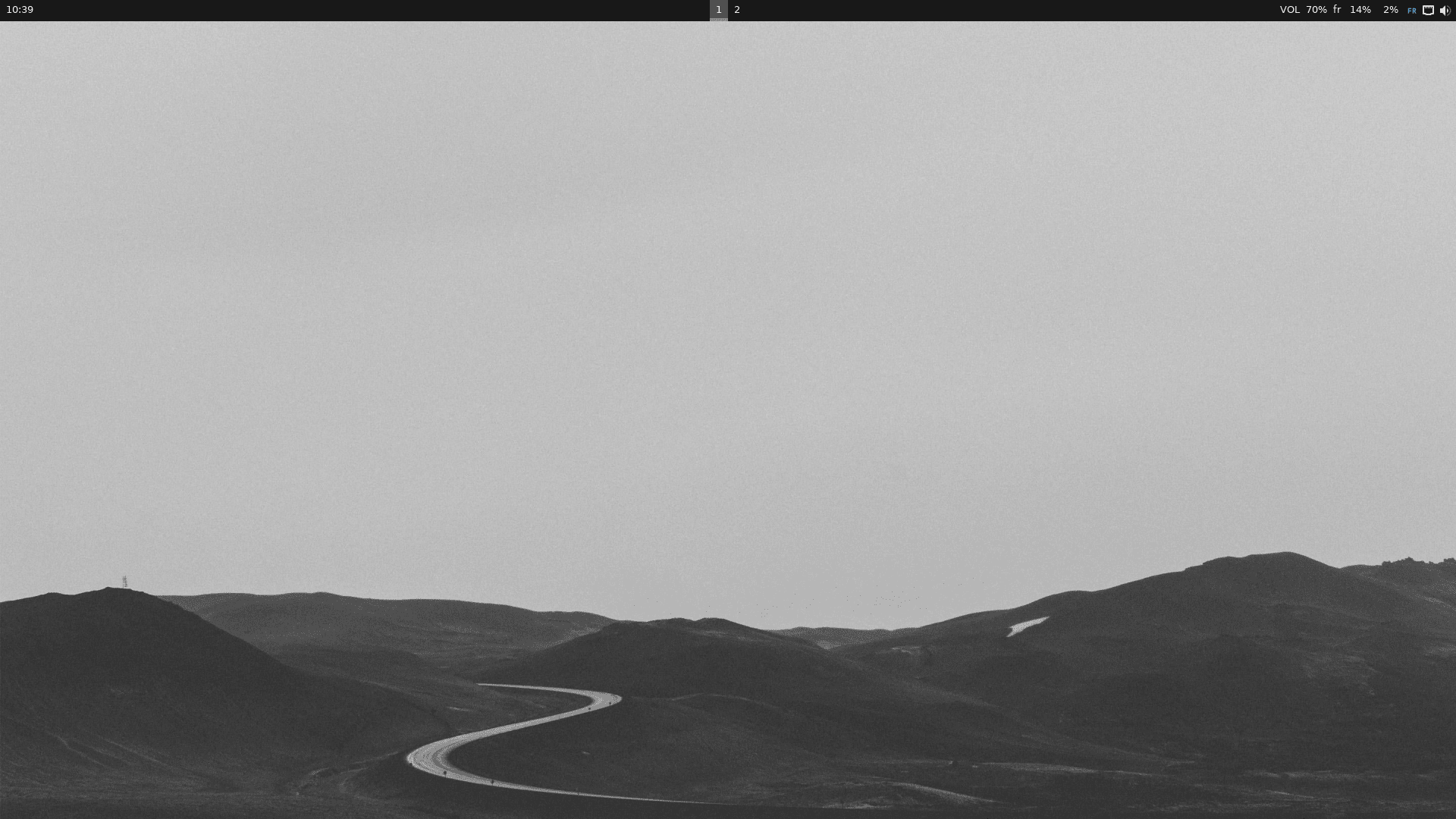
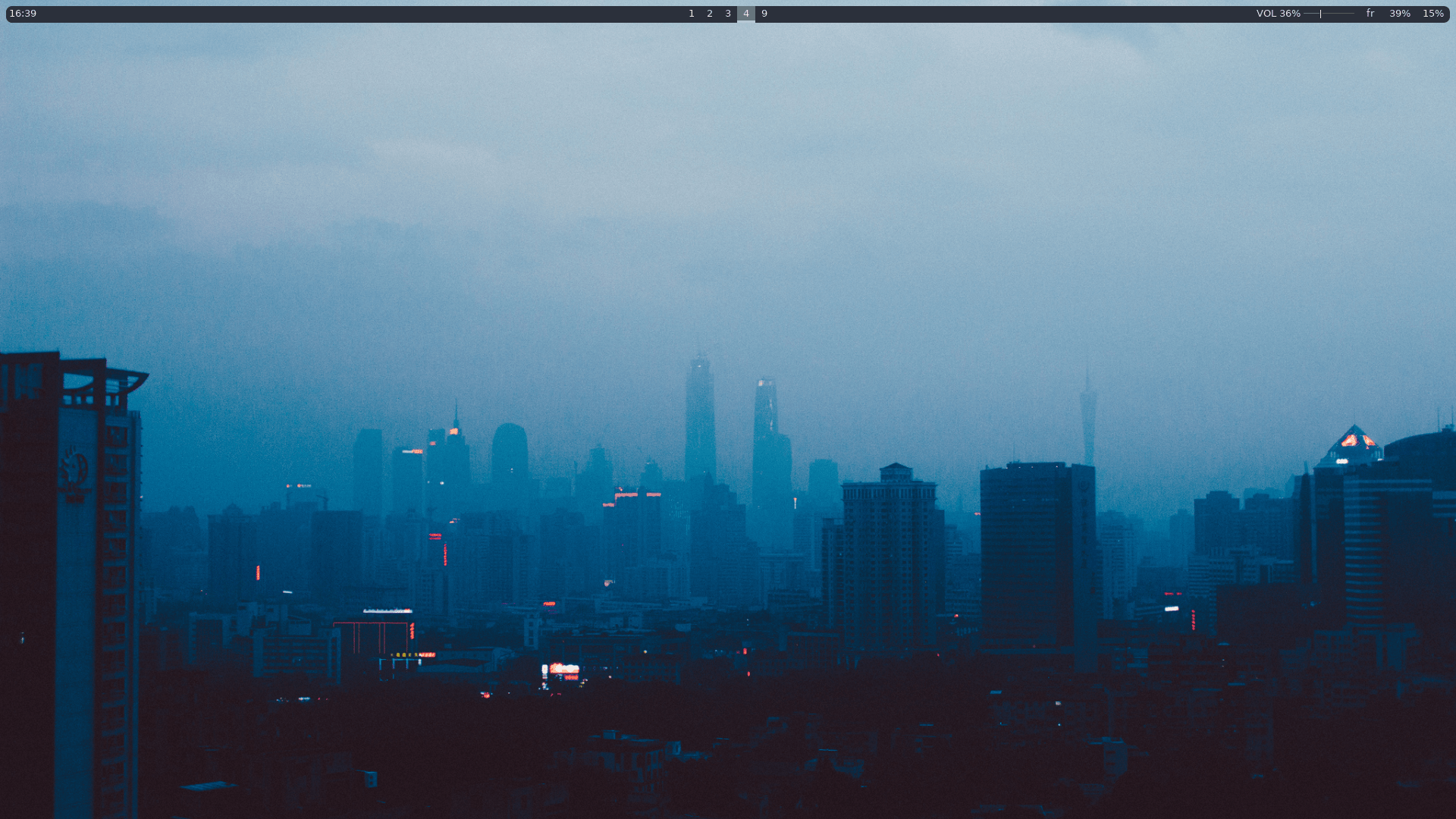
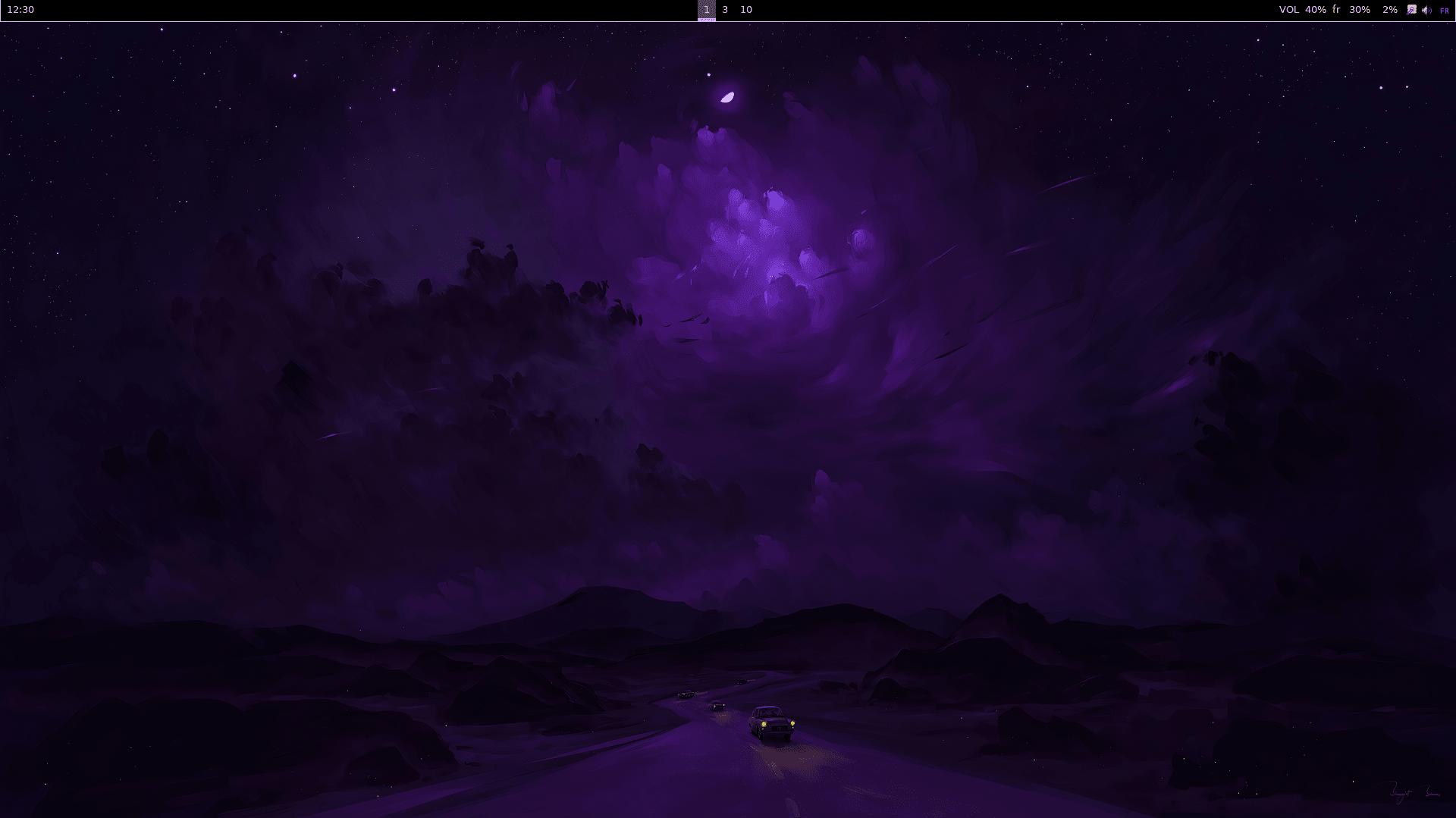
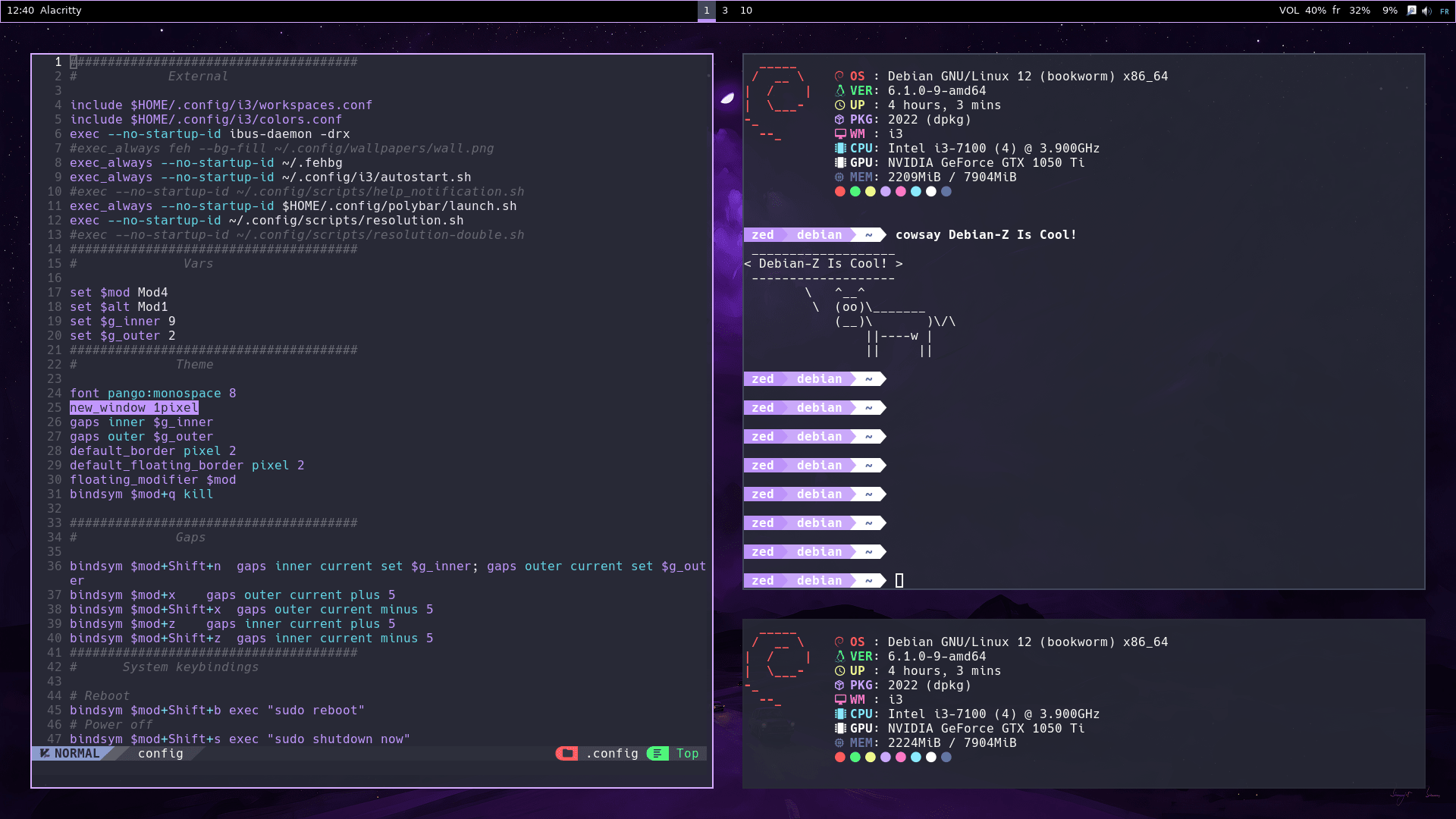
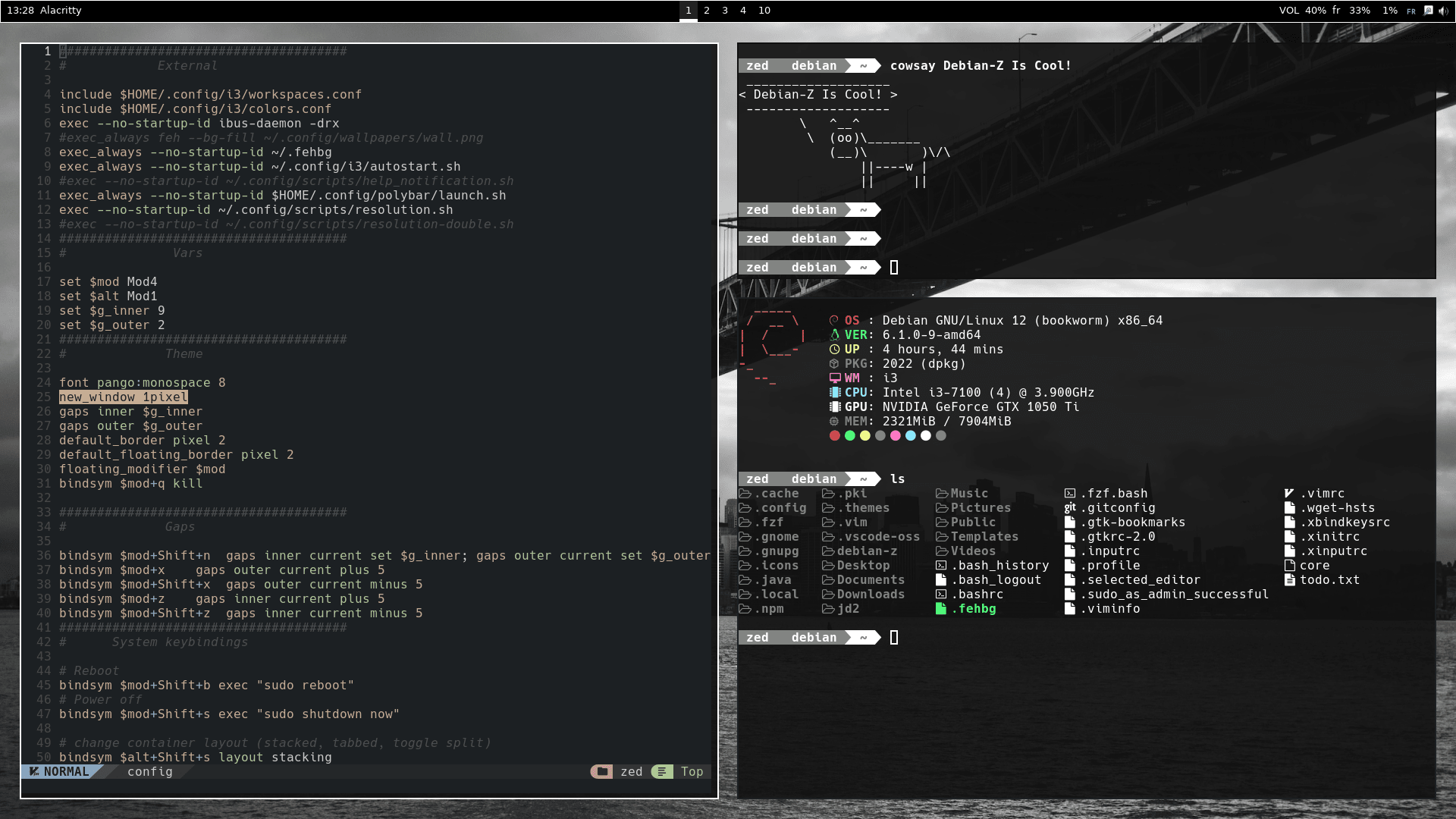
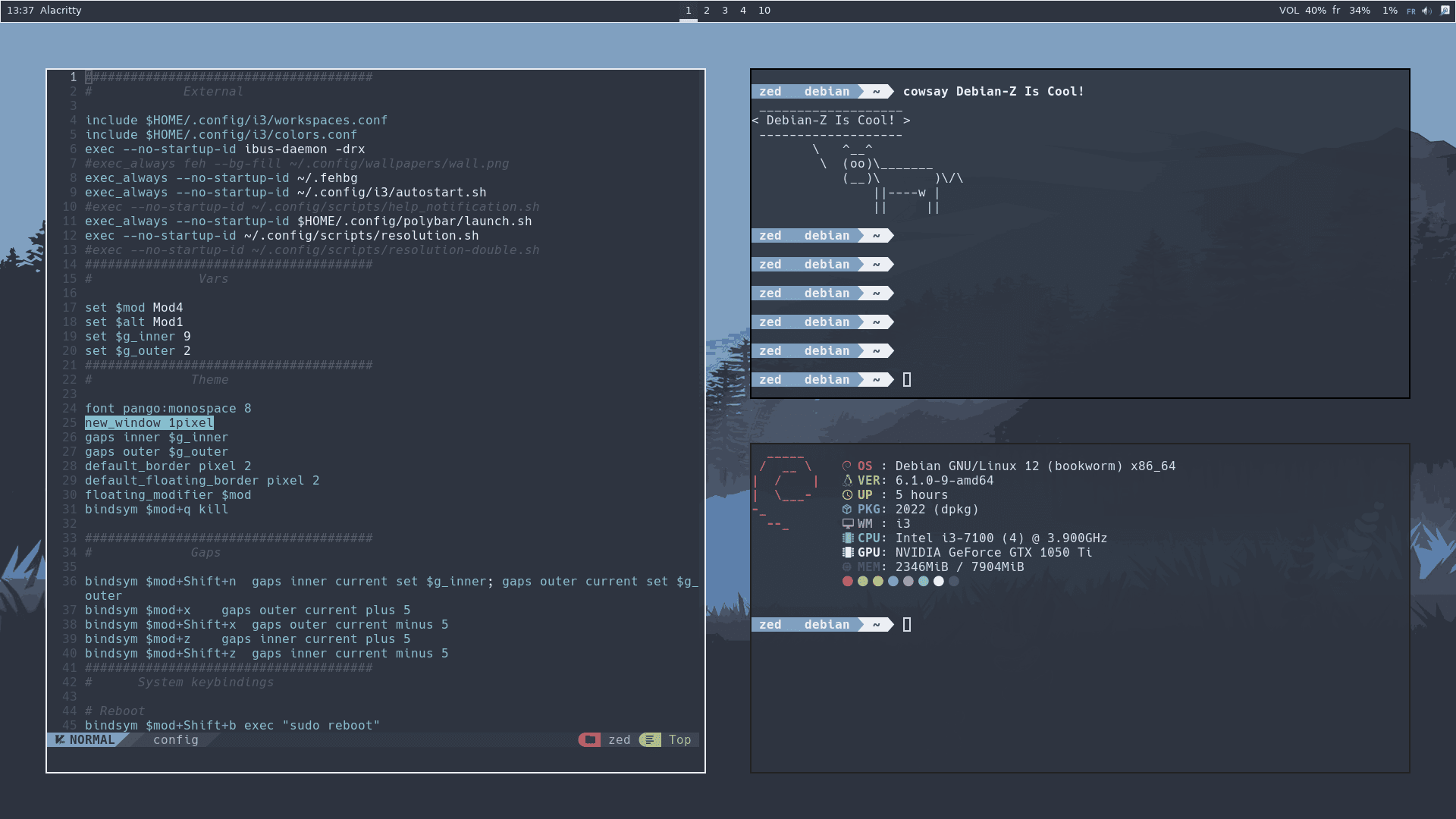
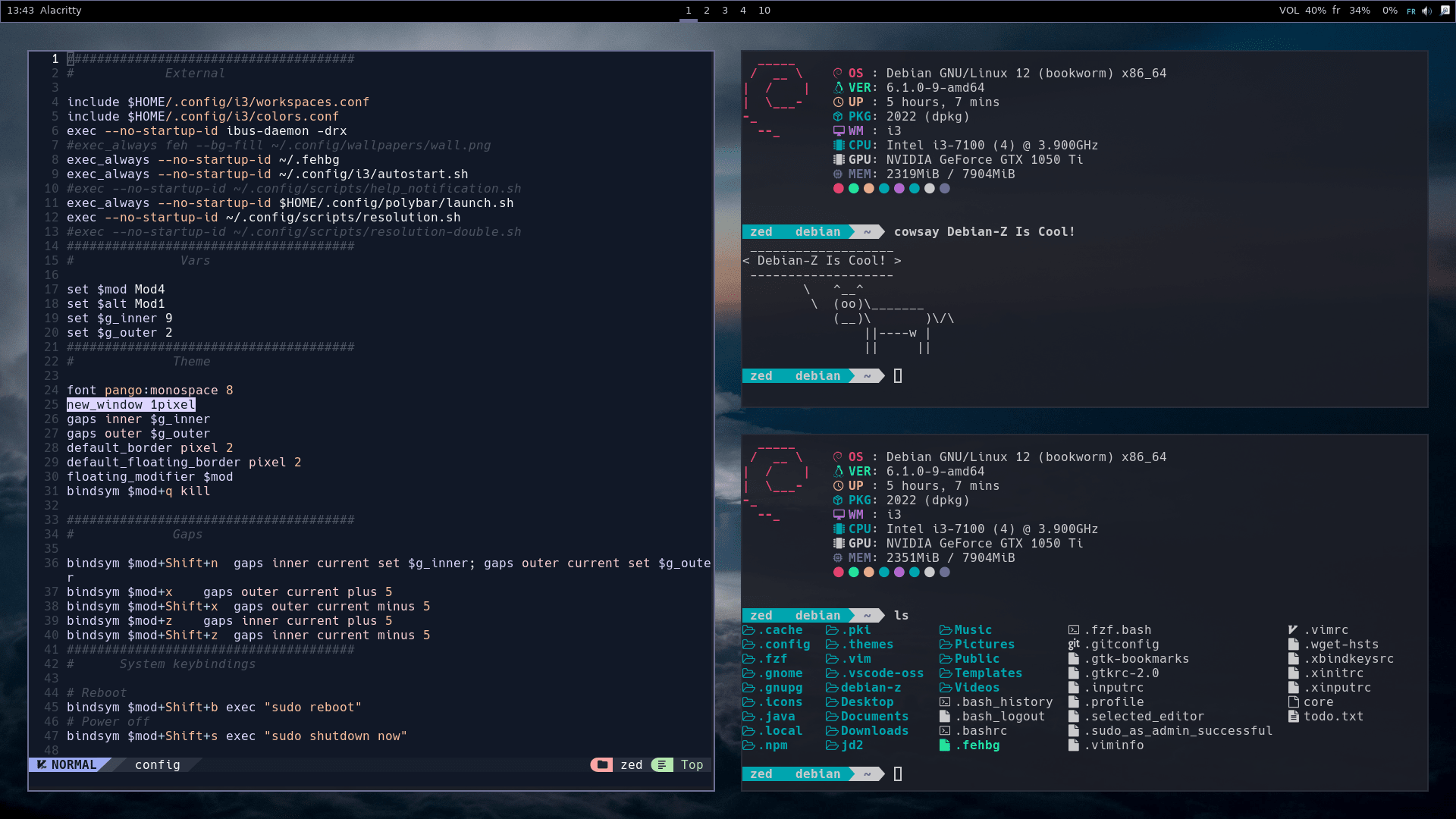
## Available Themes
| Moon (Default) | BlueNova | Dracula | Darkness | Nord | Horizon | Pink |
|--------------|--------------|--------------|--------------|--------------|--------------|--------------|
|  |  |  | 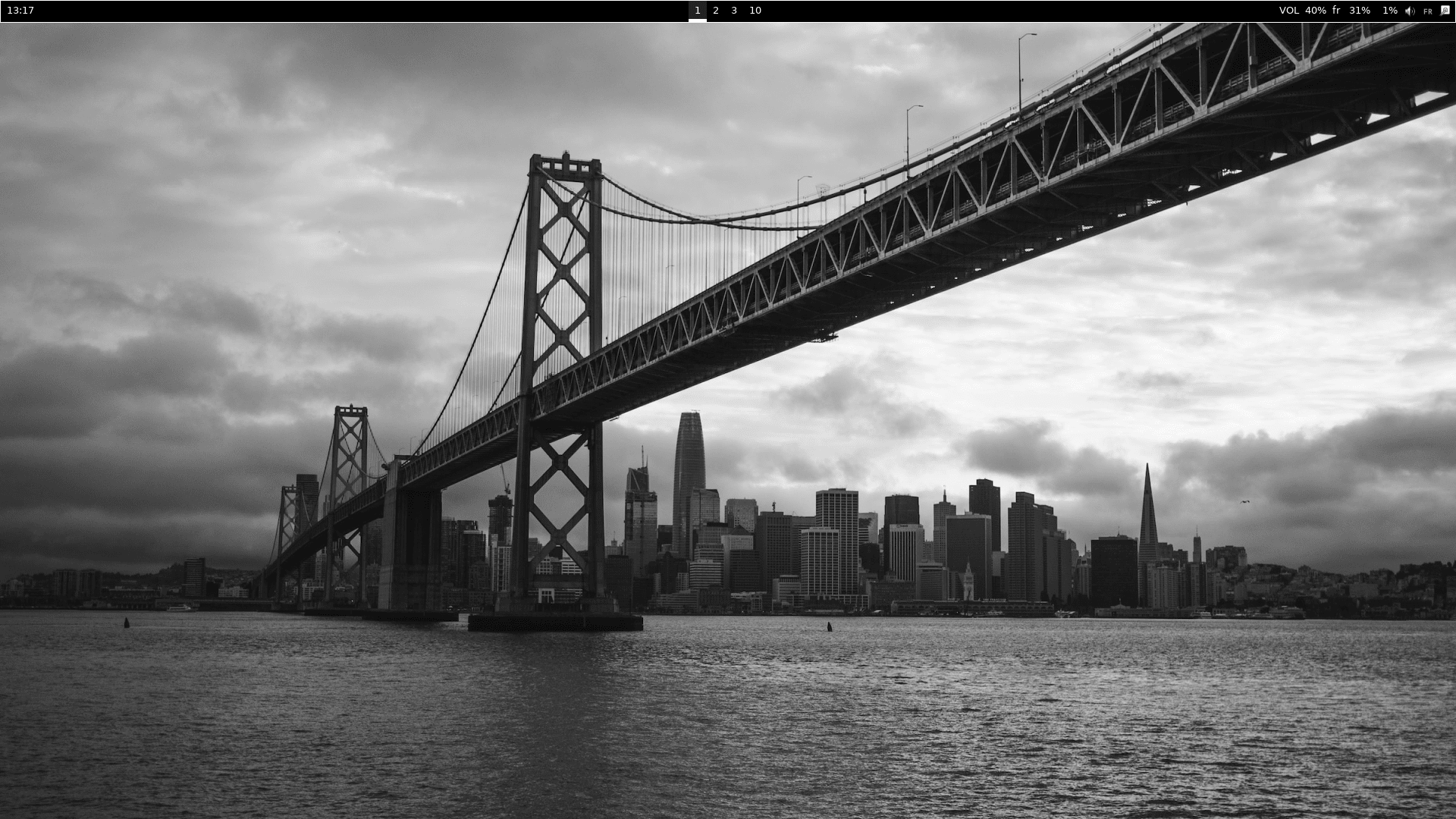 | 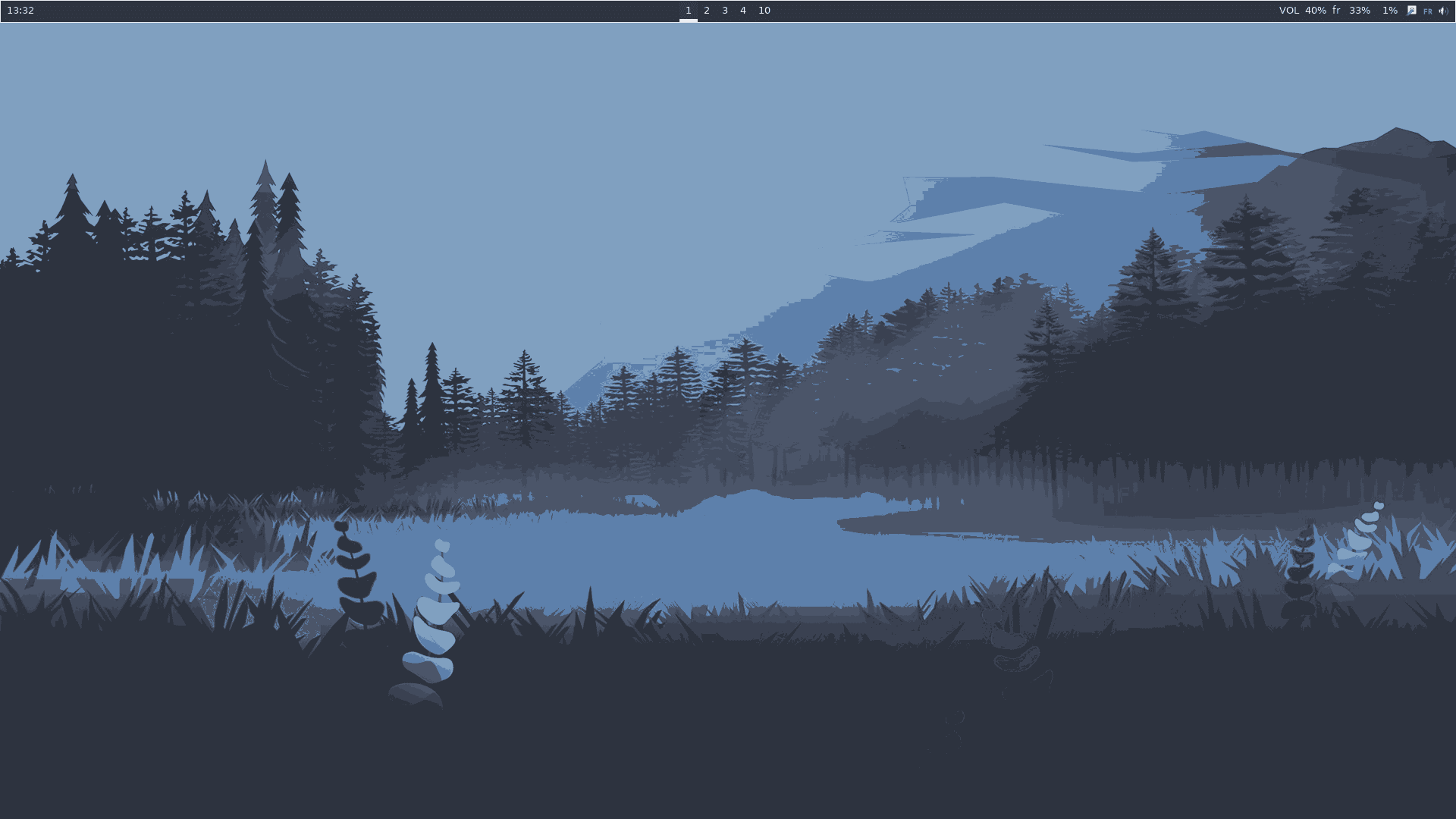 | 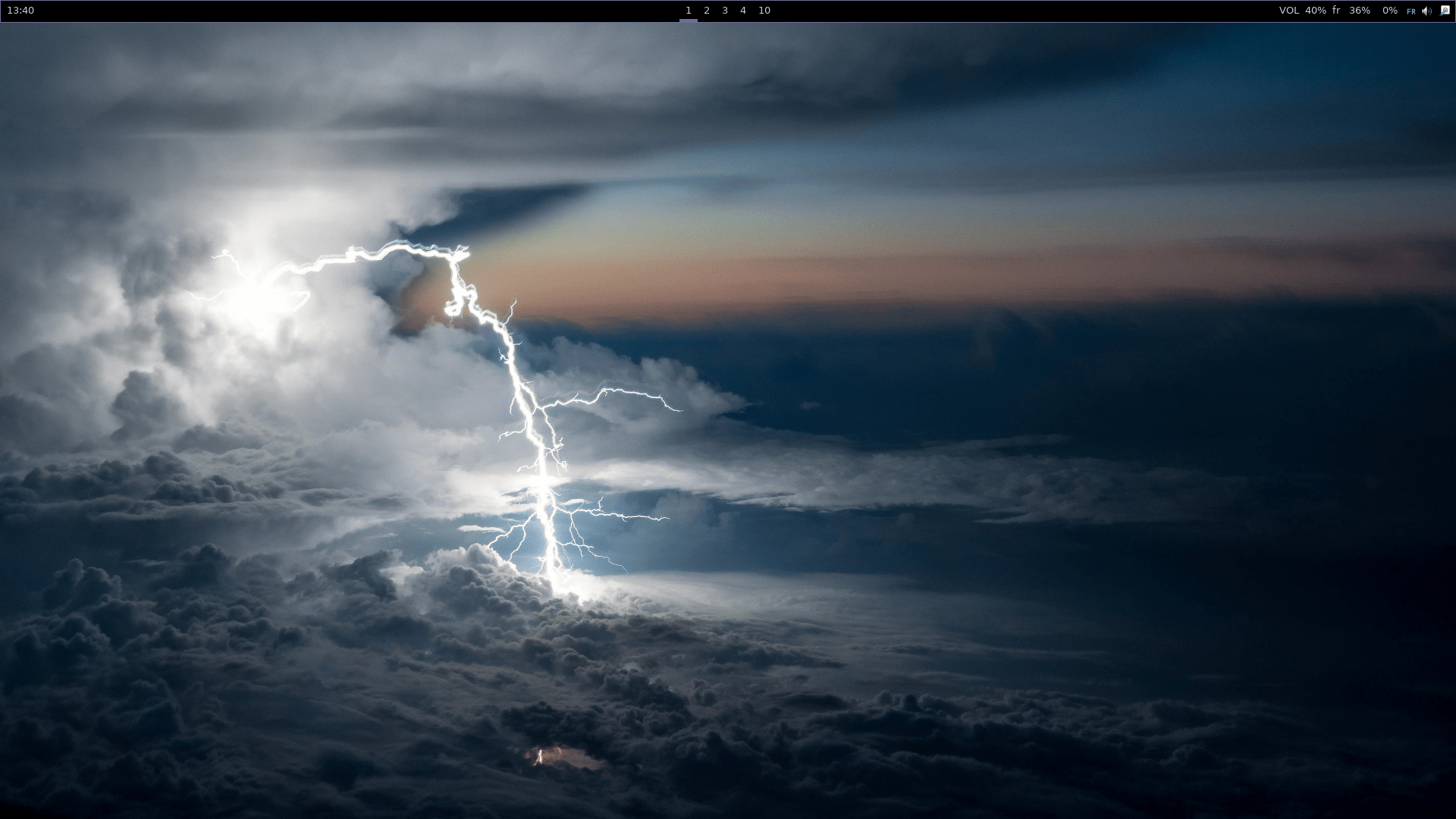 | 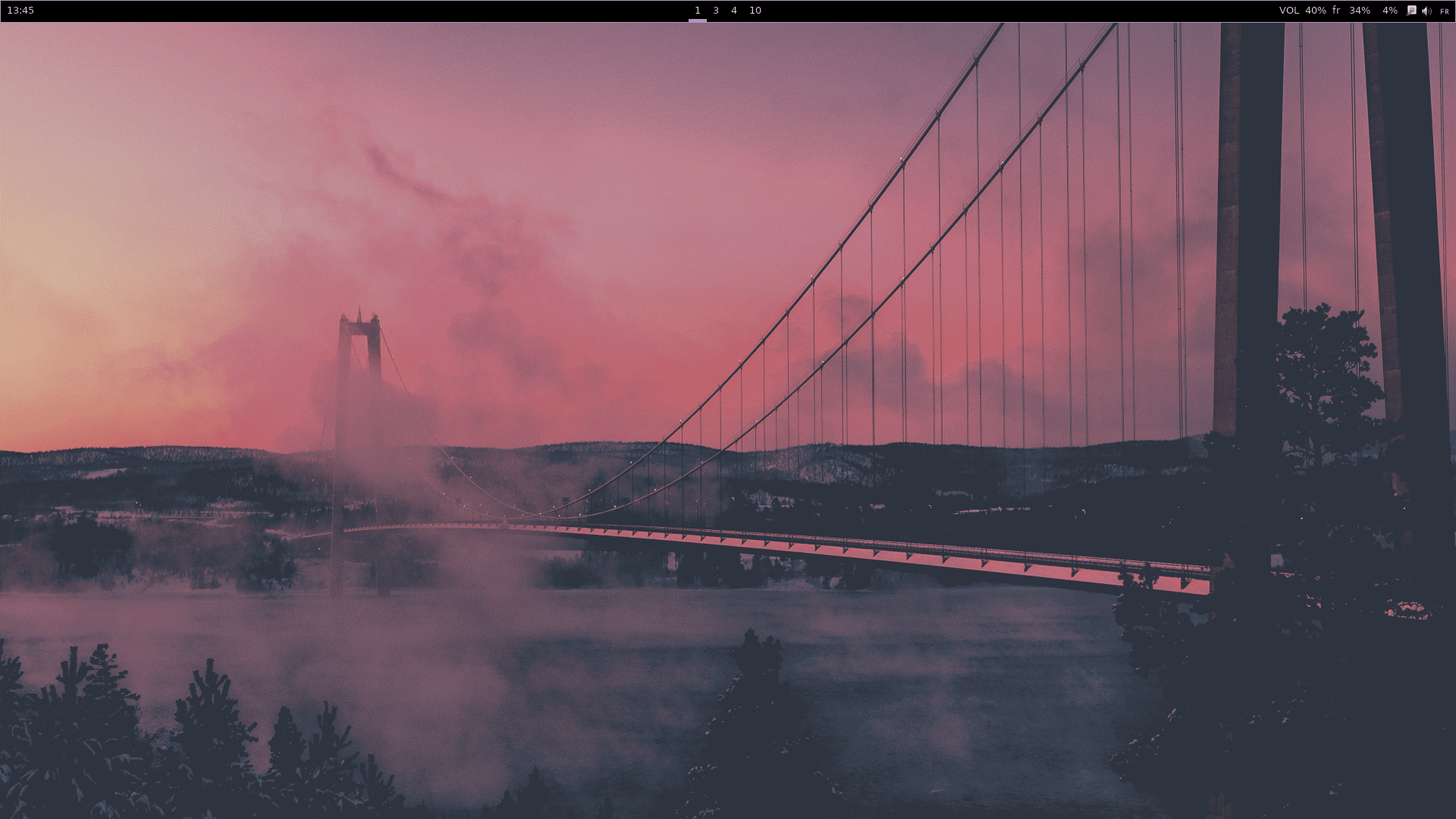 |
| 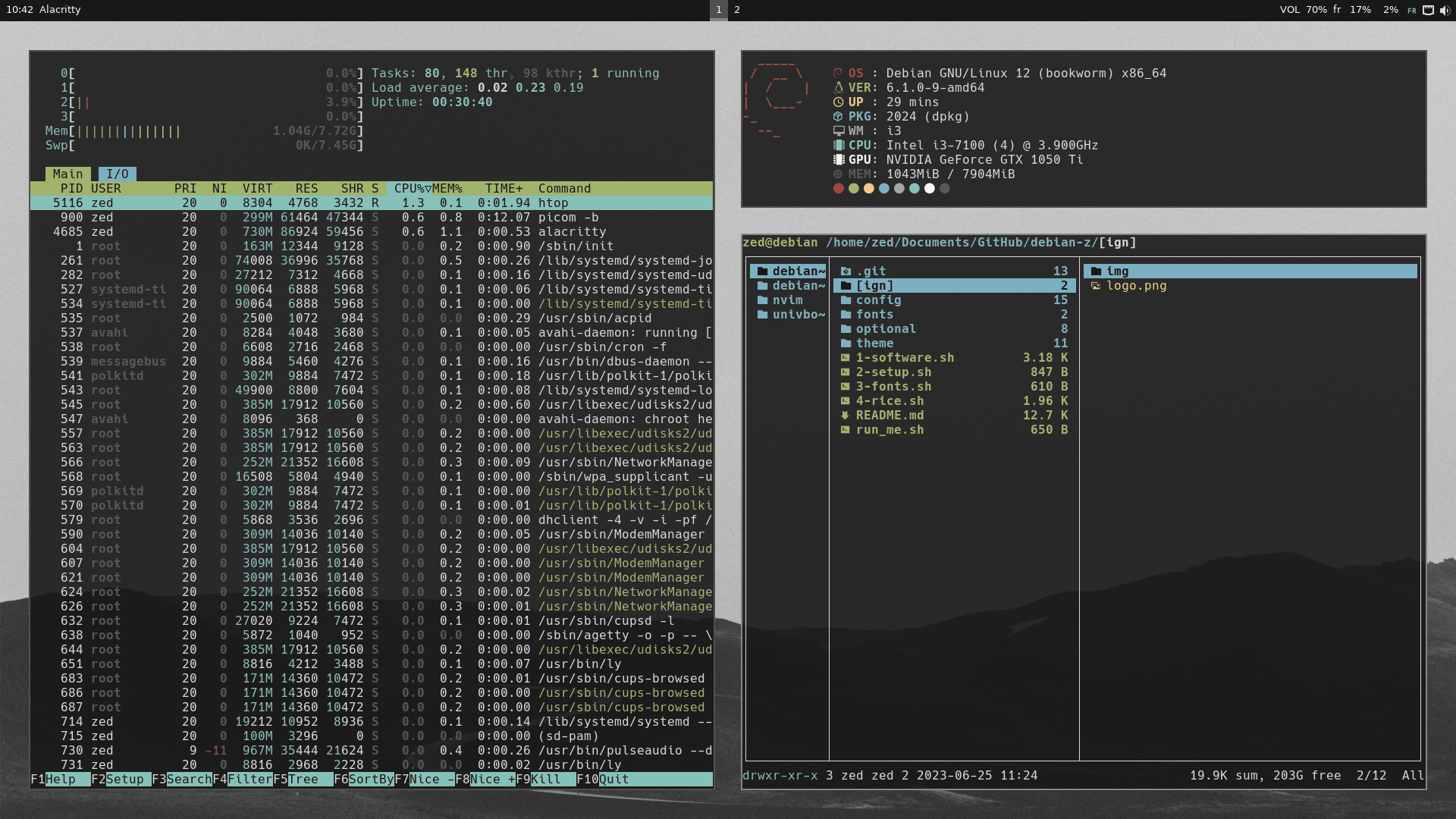 | 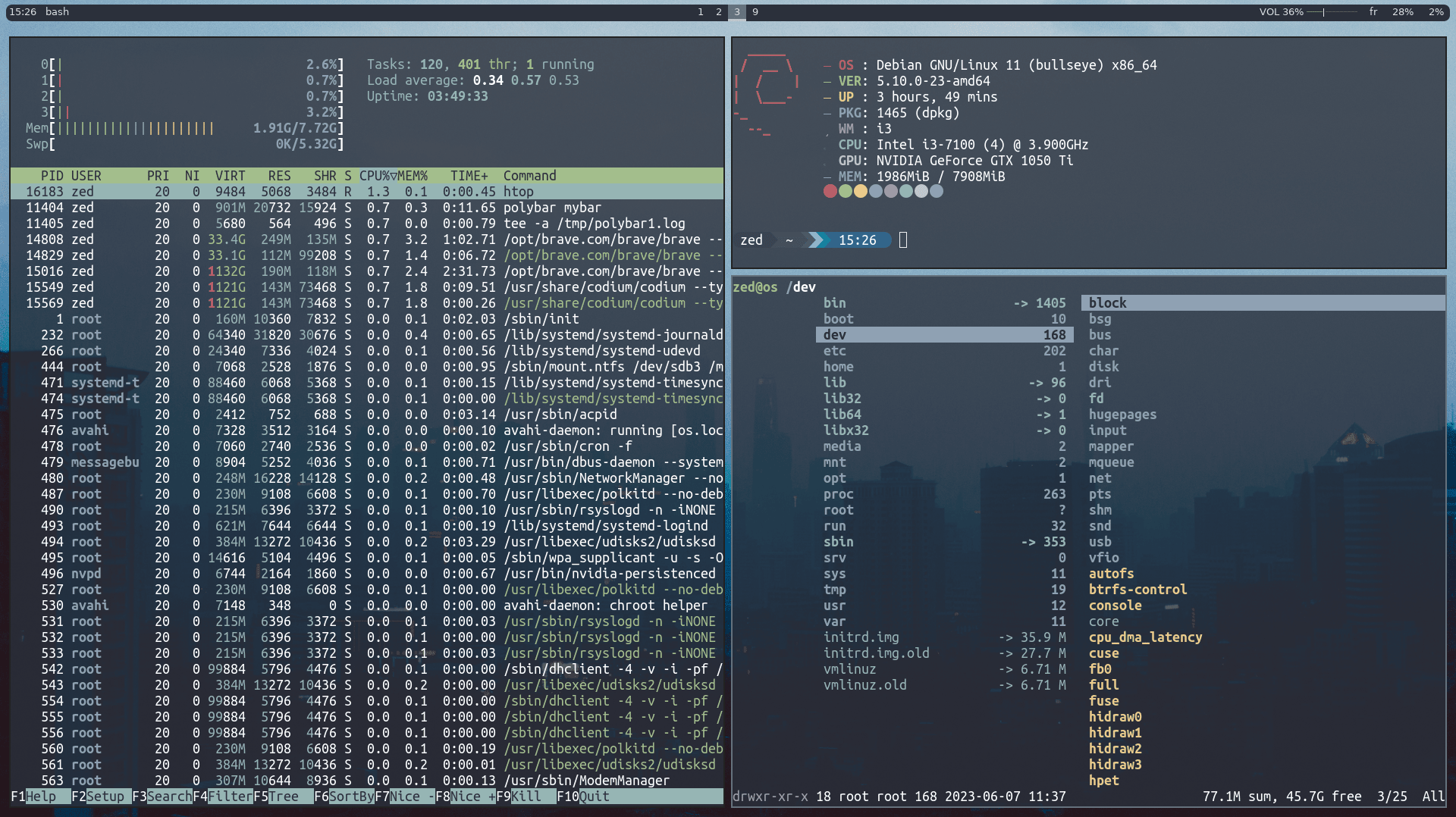 | 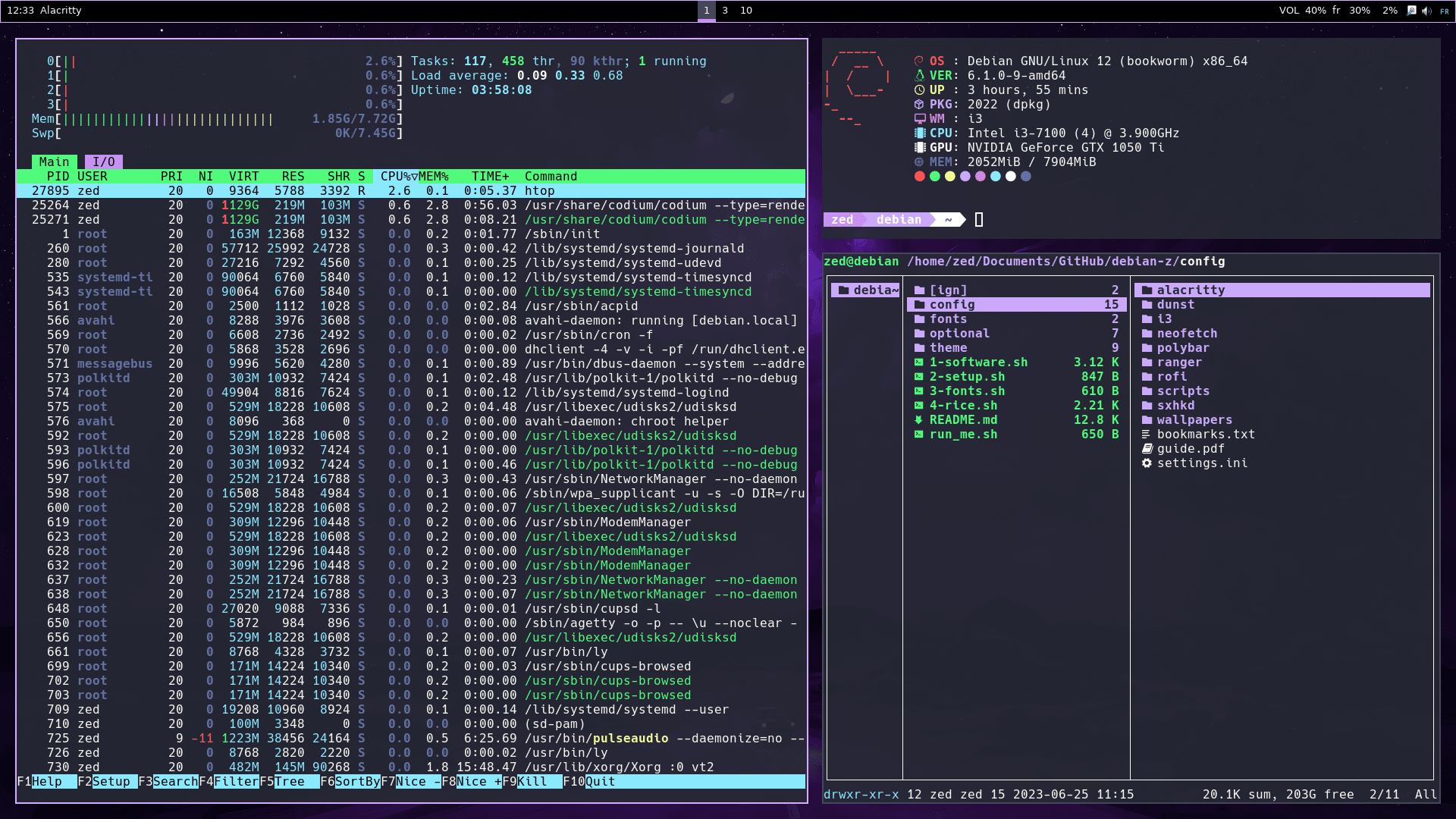 | 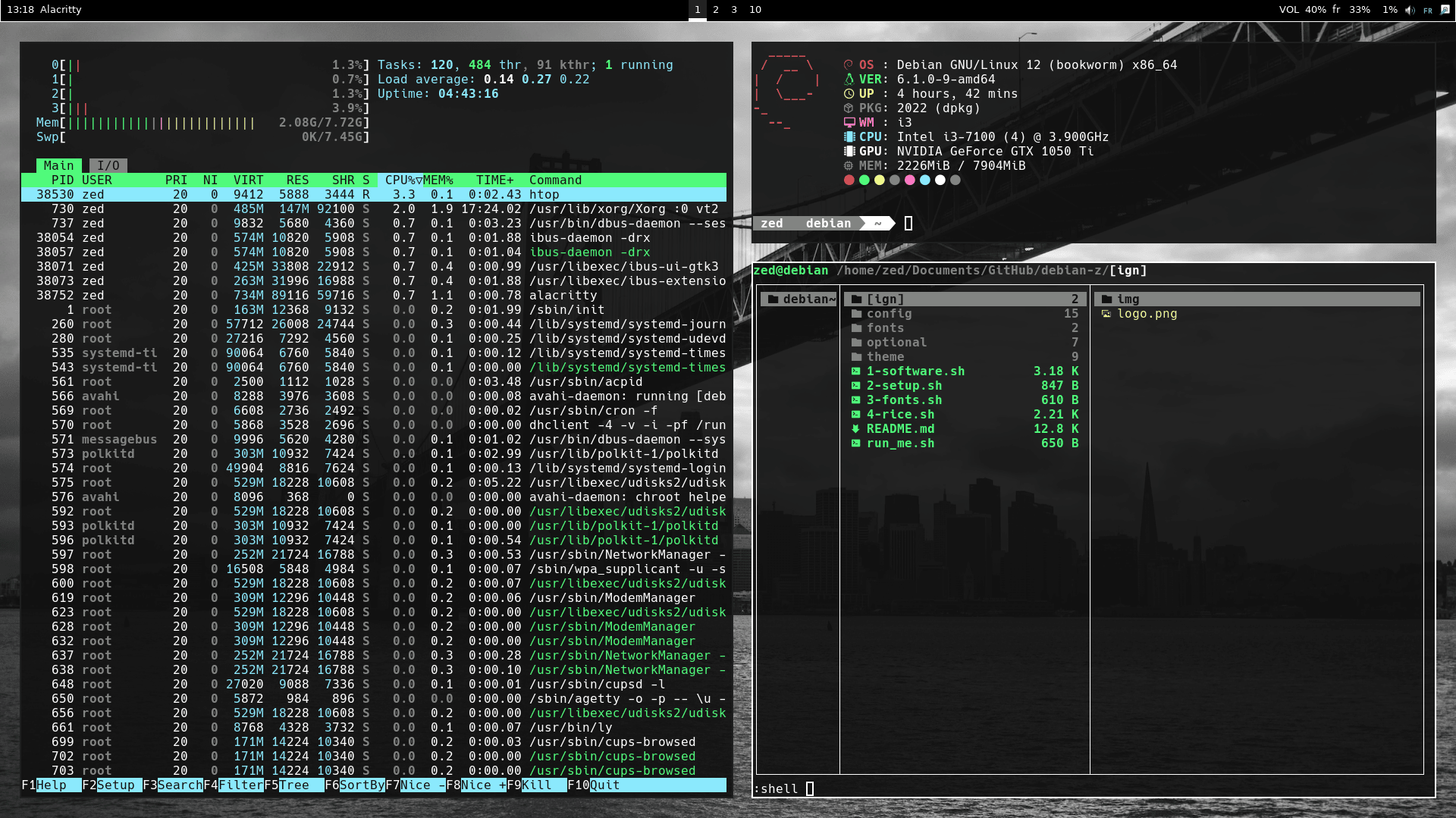 | 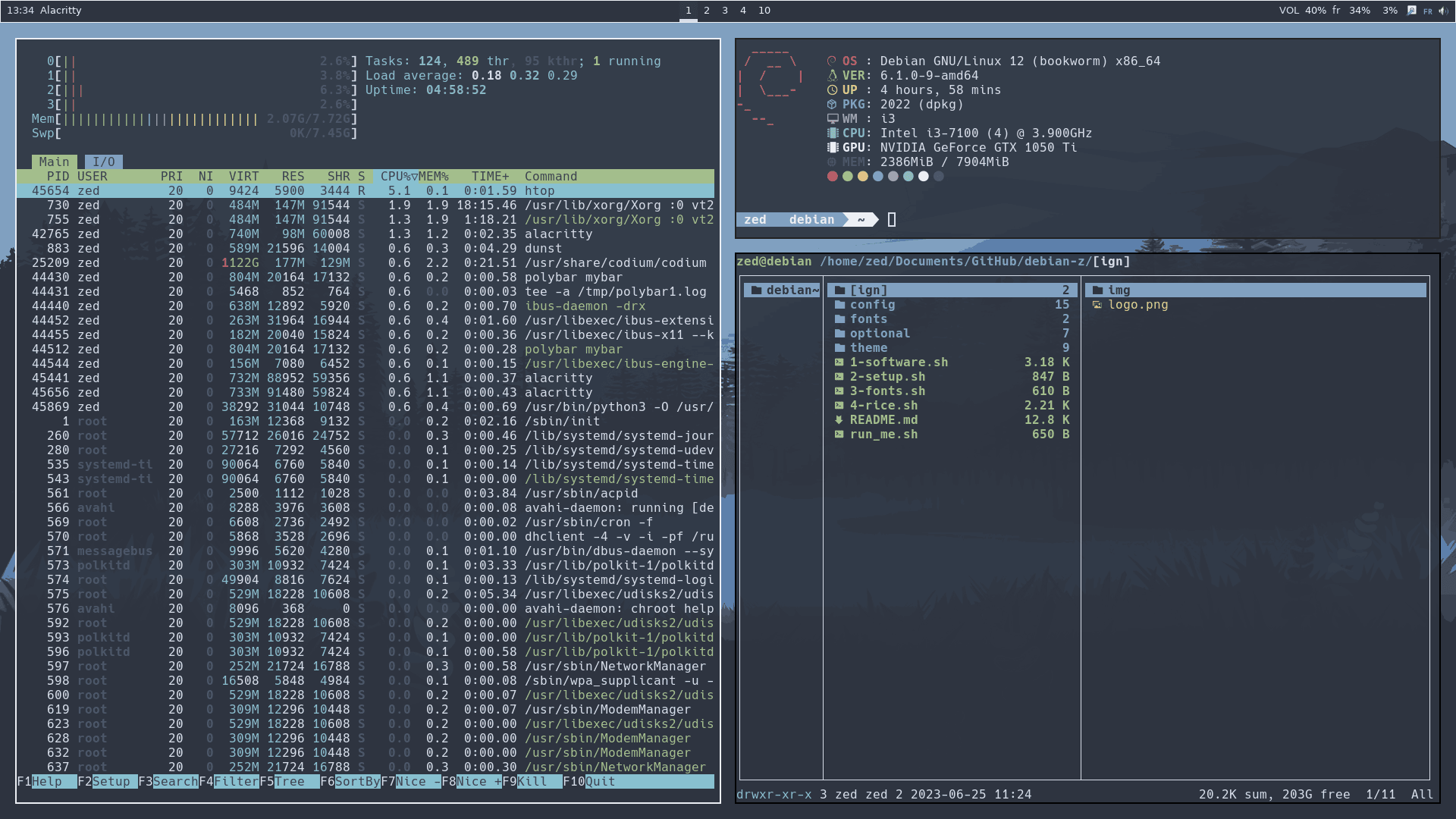 | 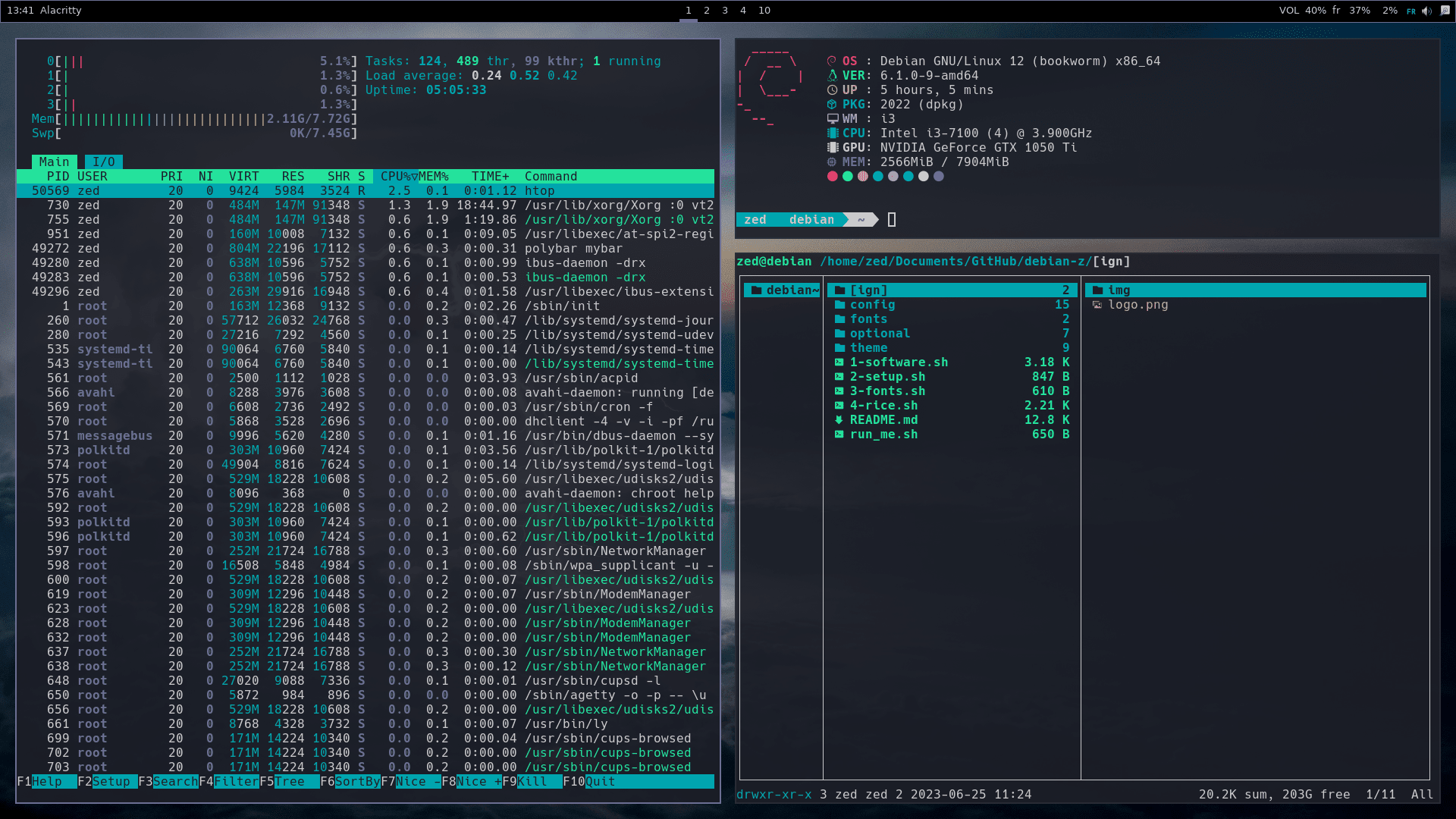 | 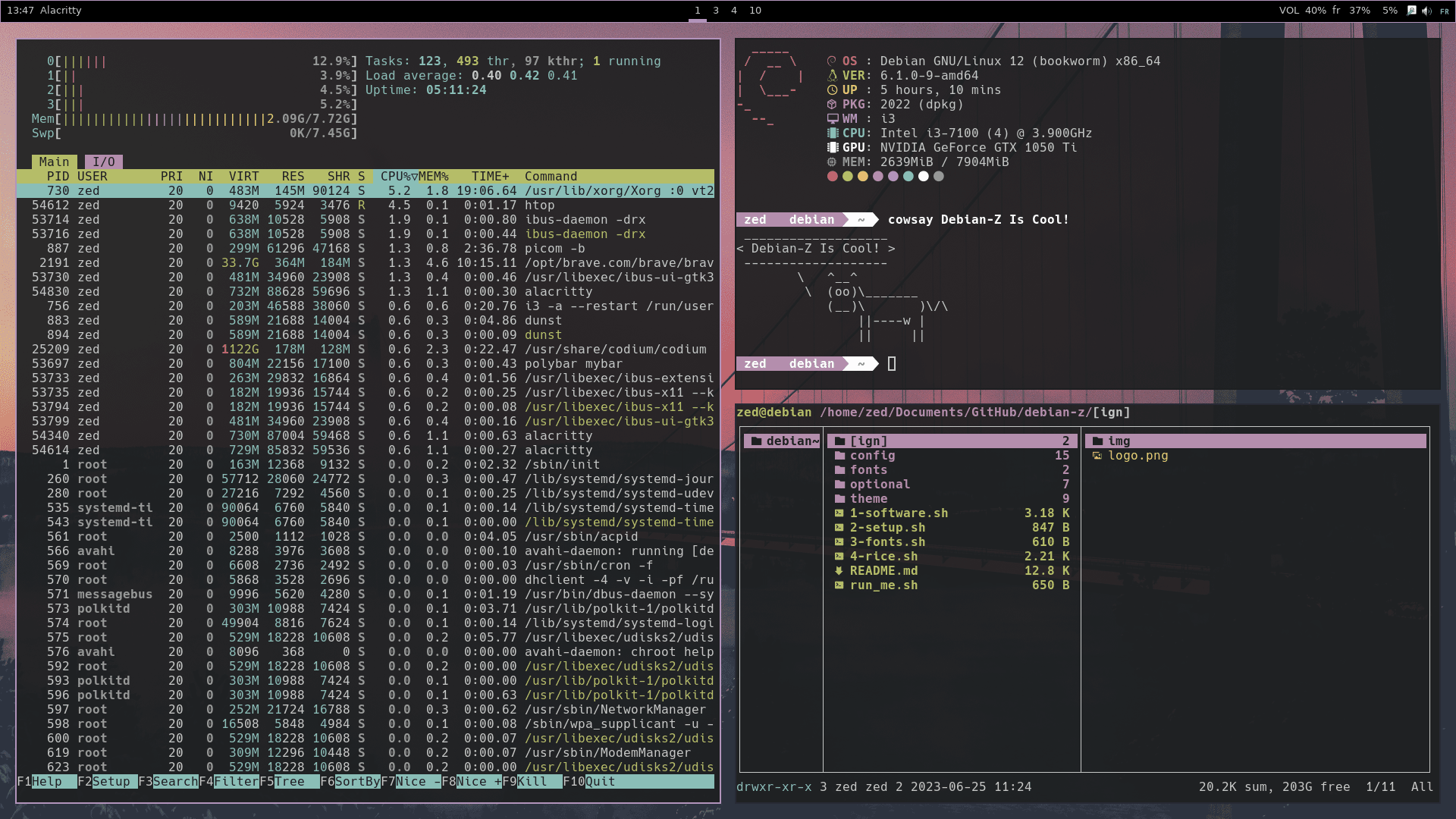 |
| 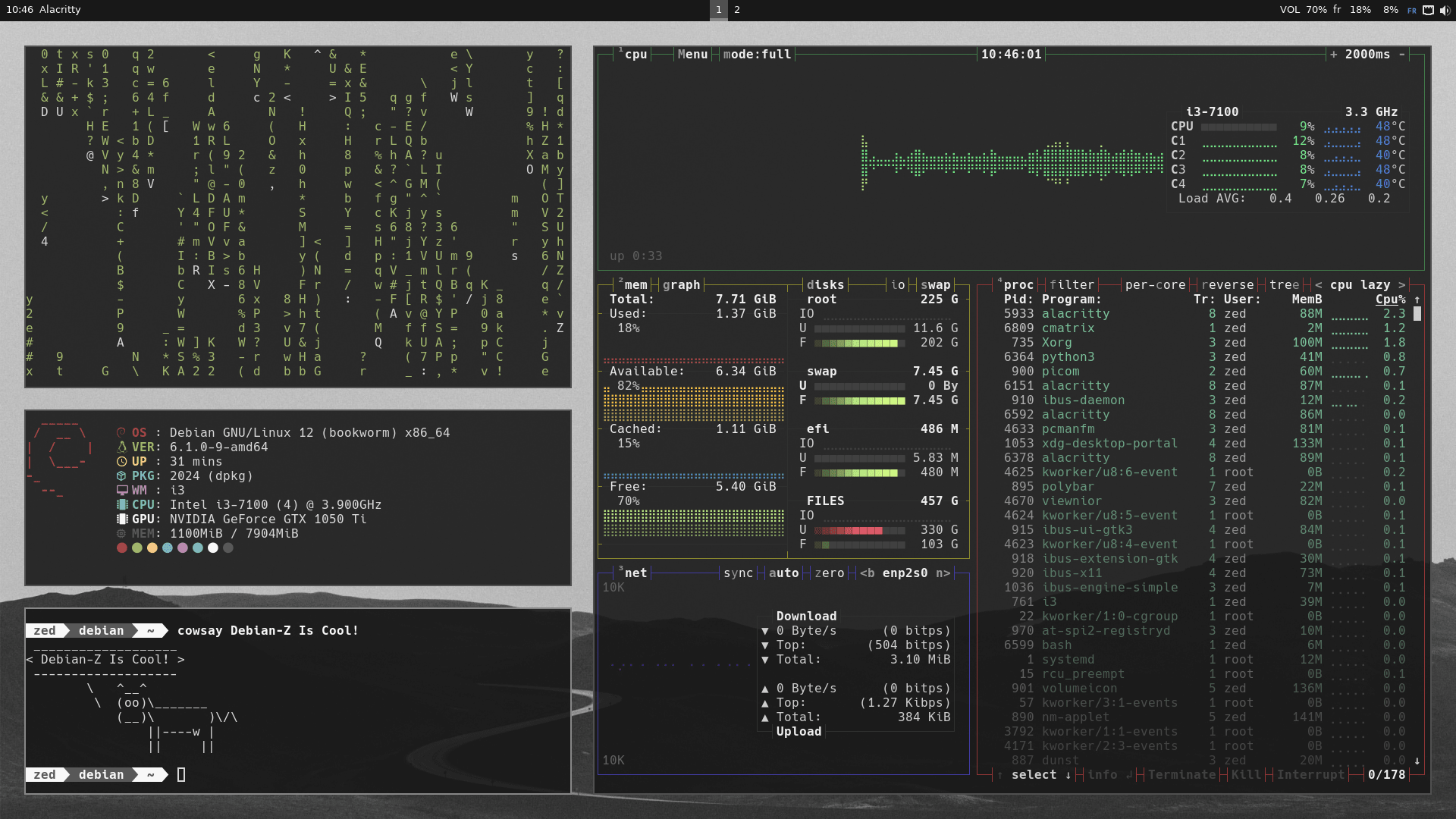 | 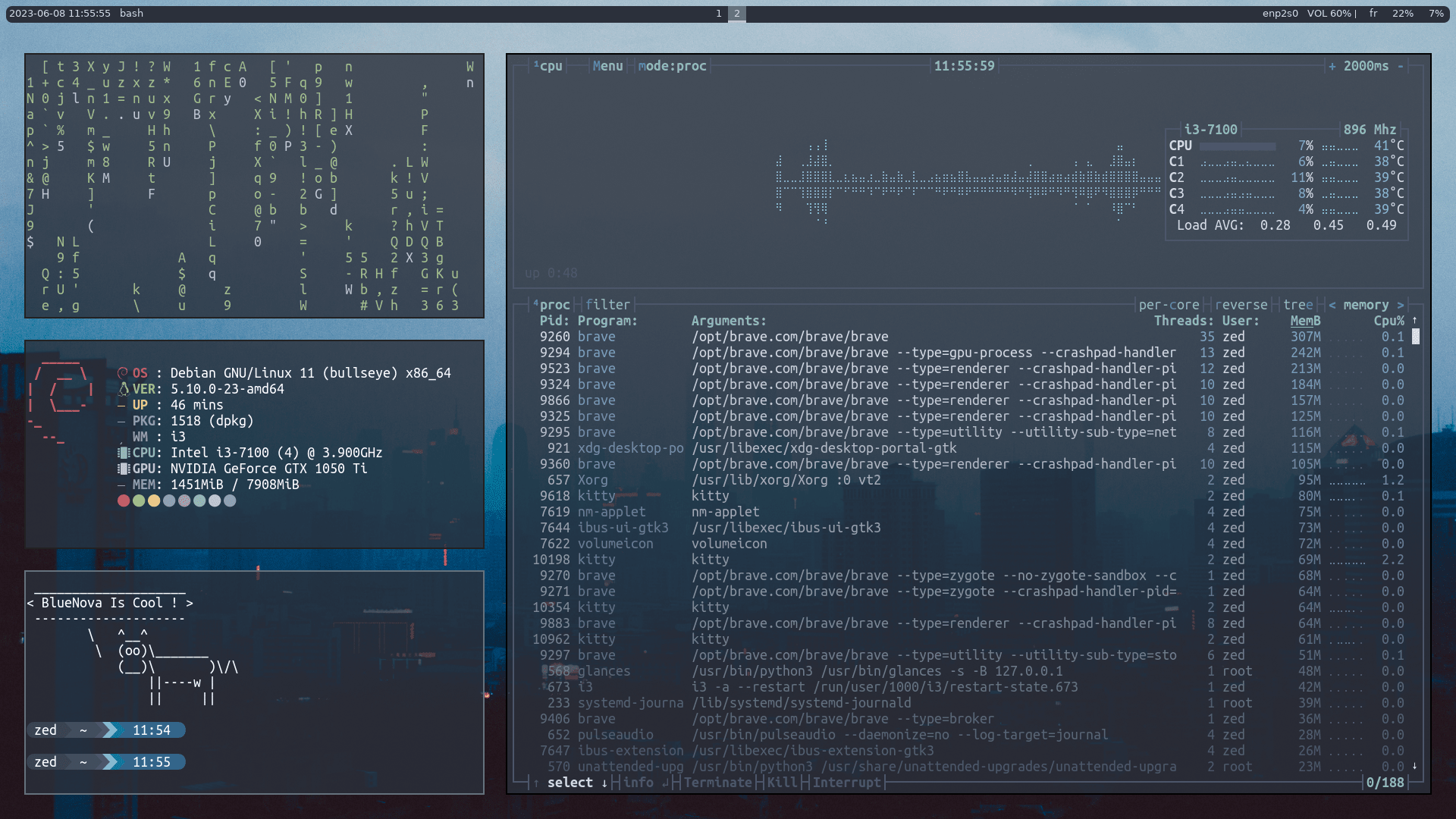 | 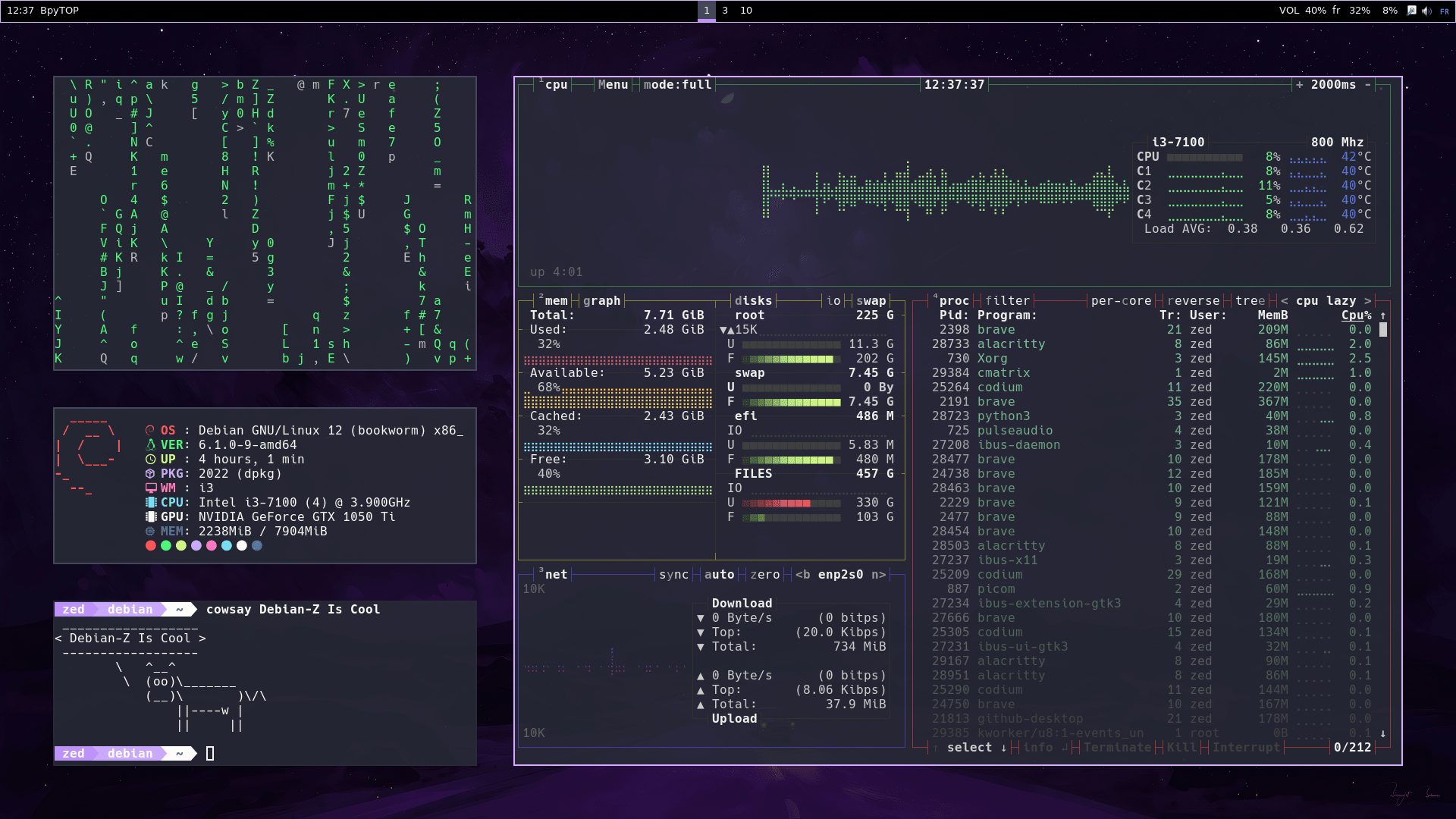 | 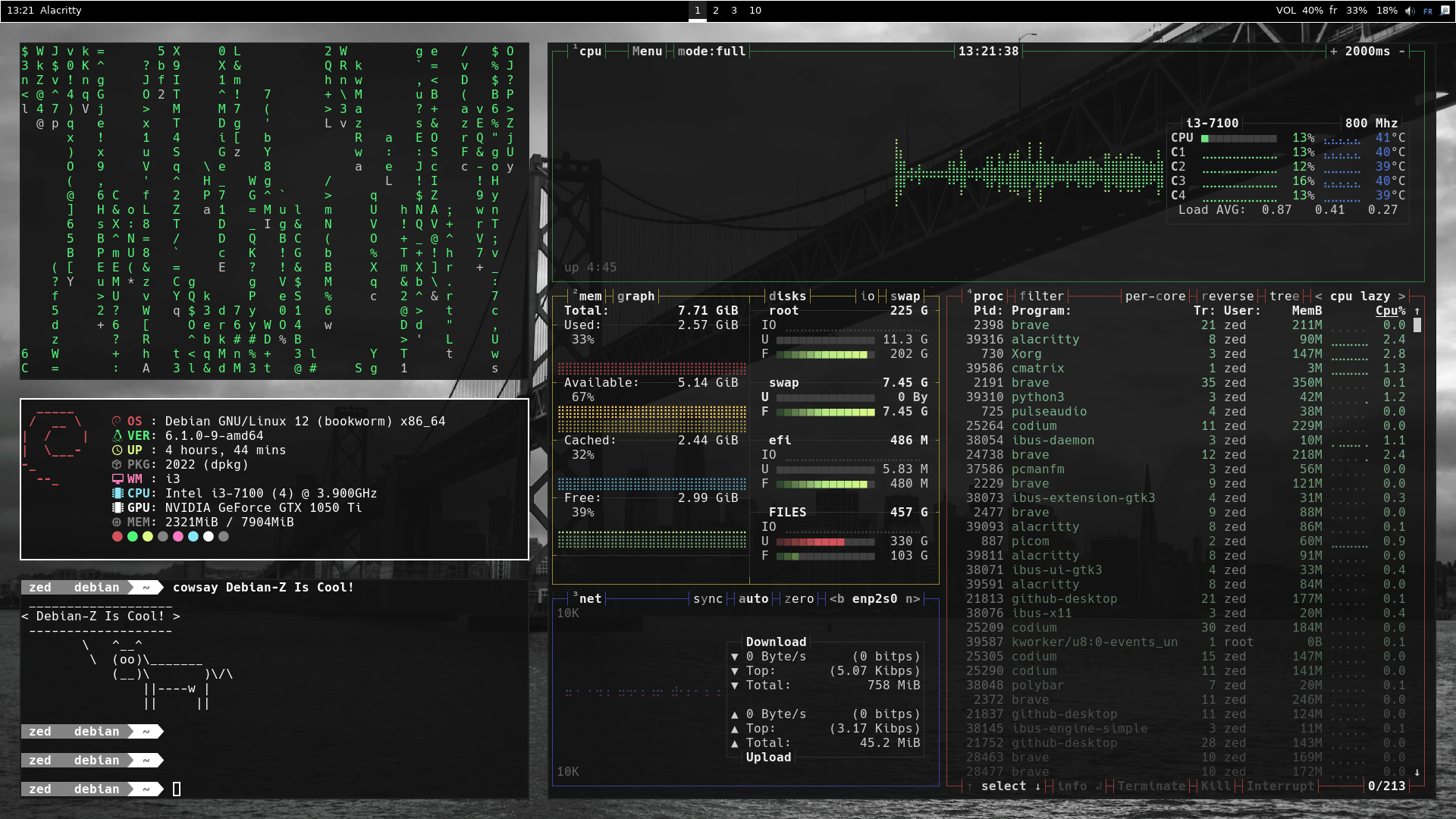 | 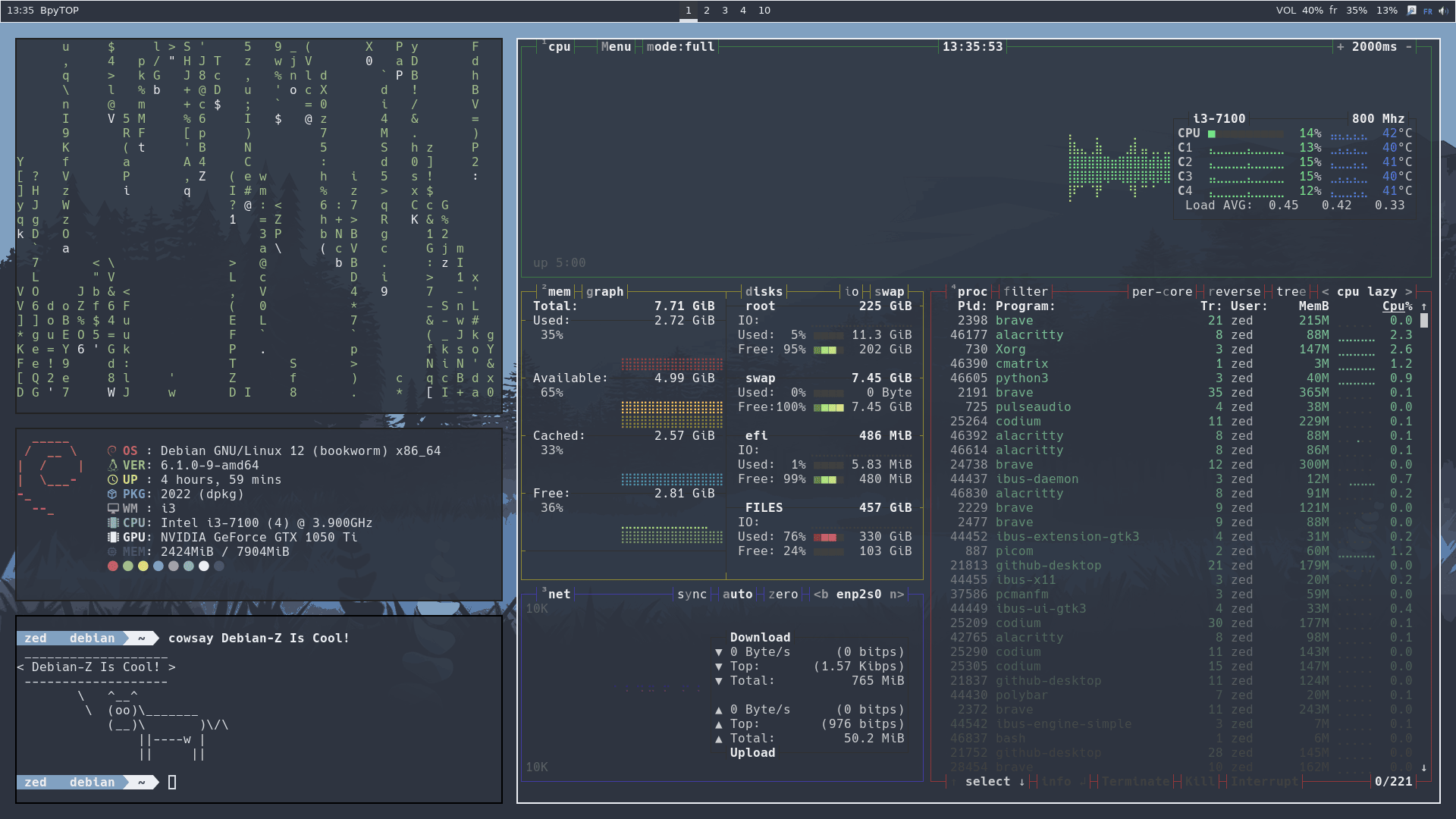 | 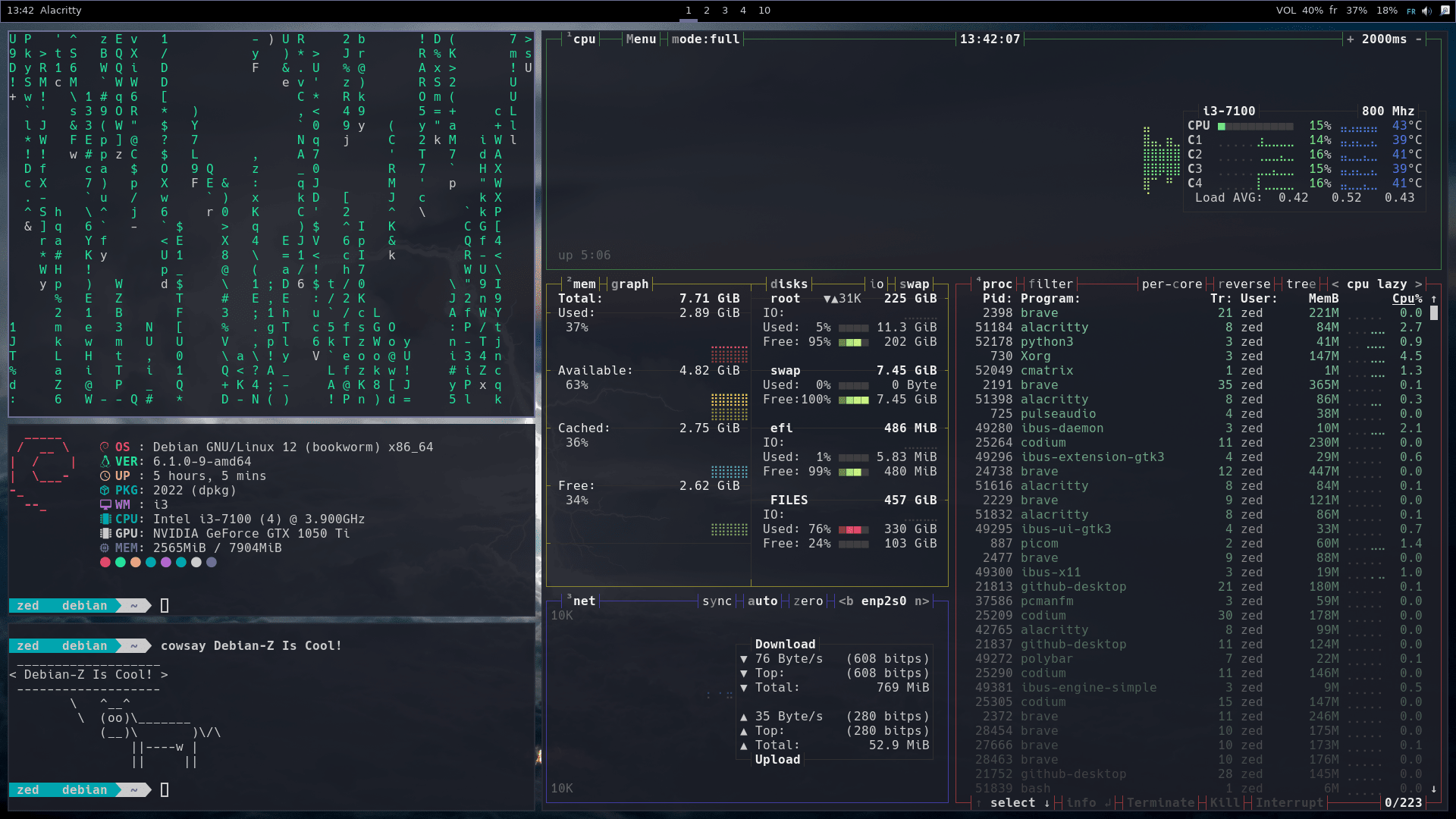 | 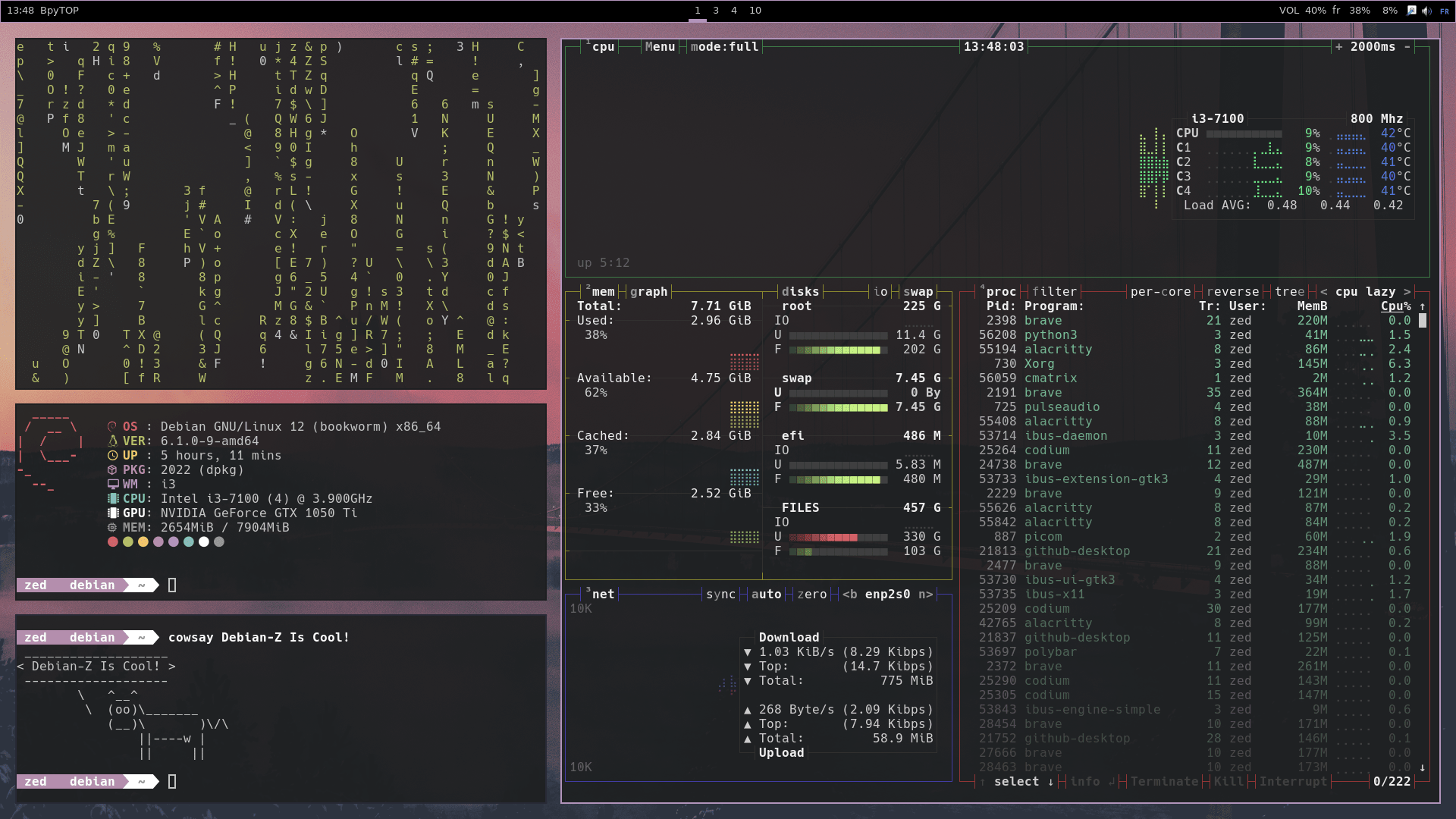 |
| 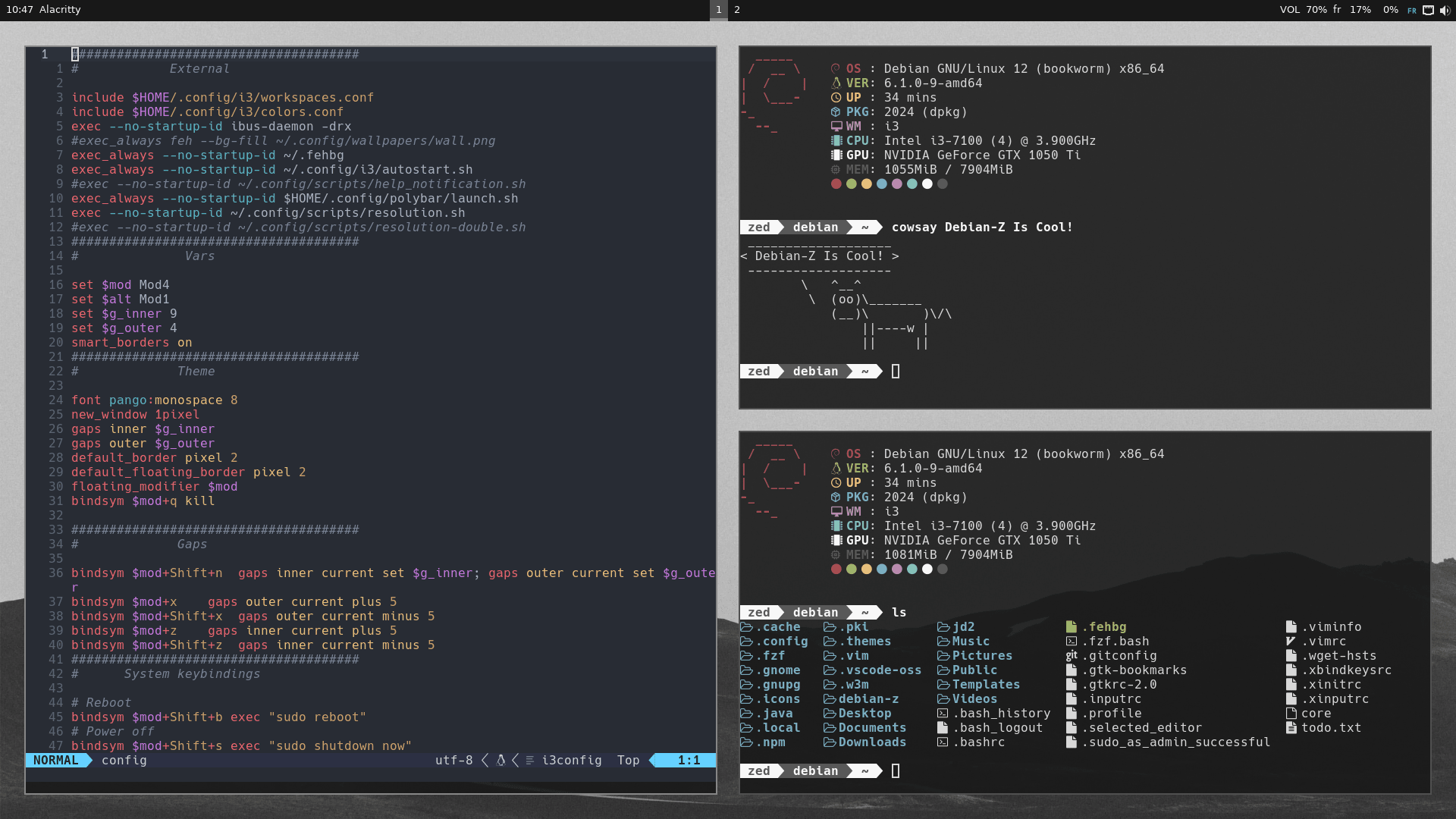 | 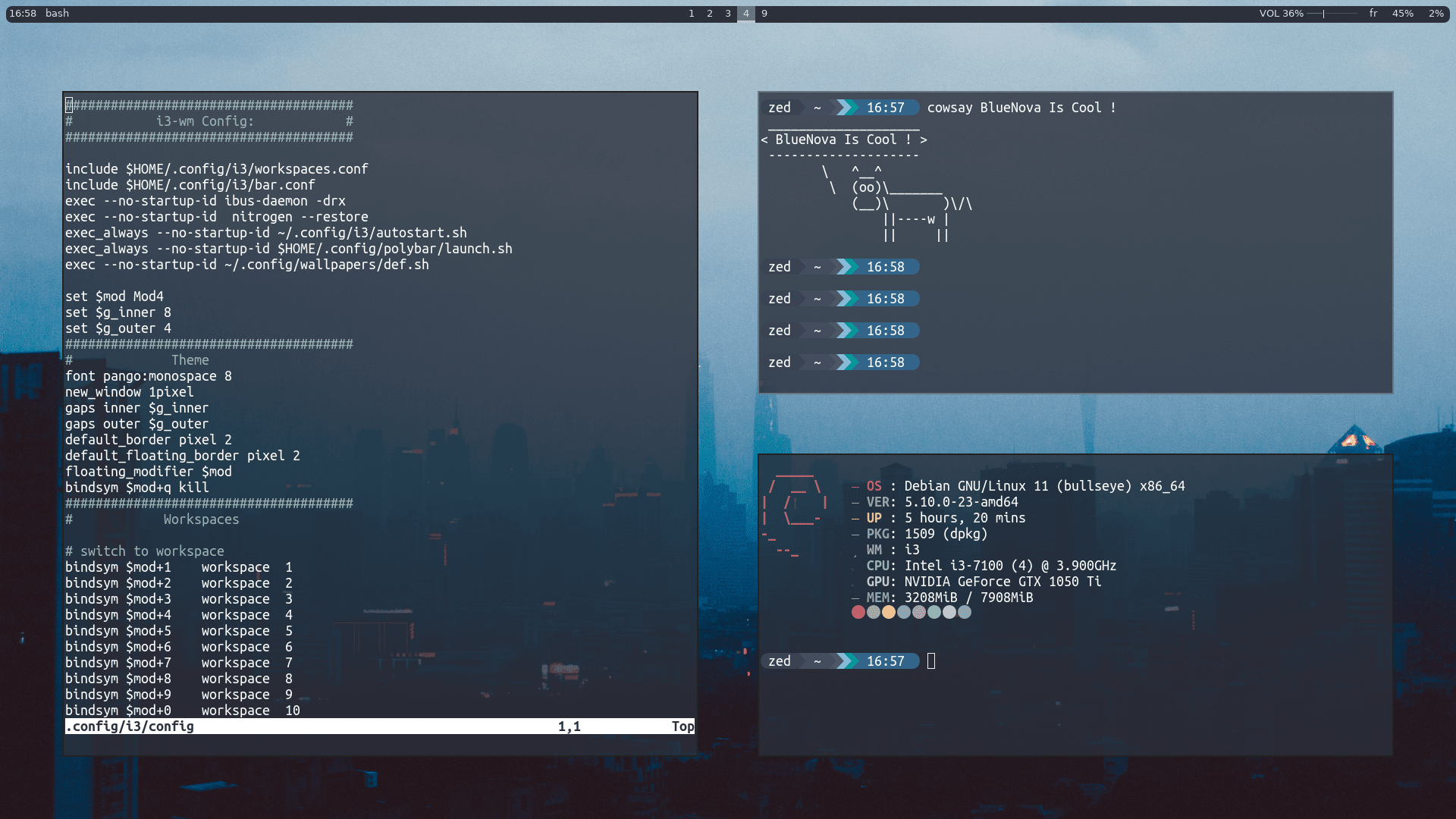 |  |  |  |  | 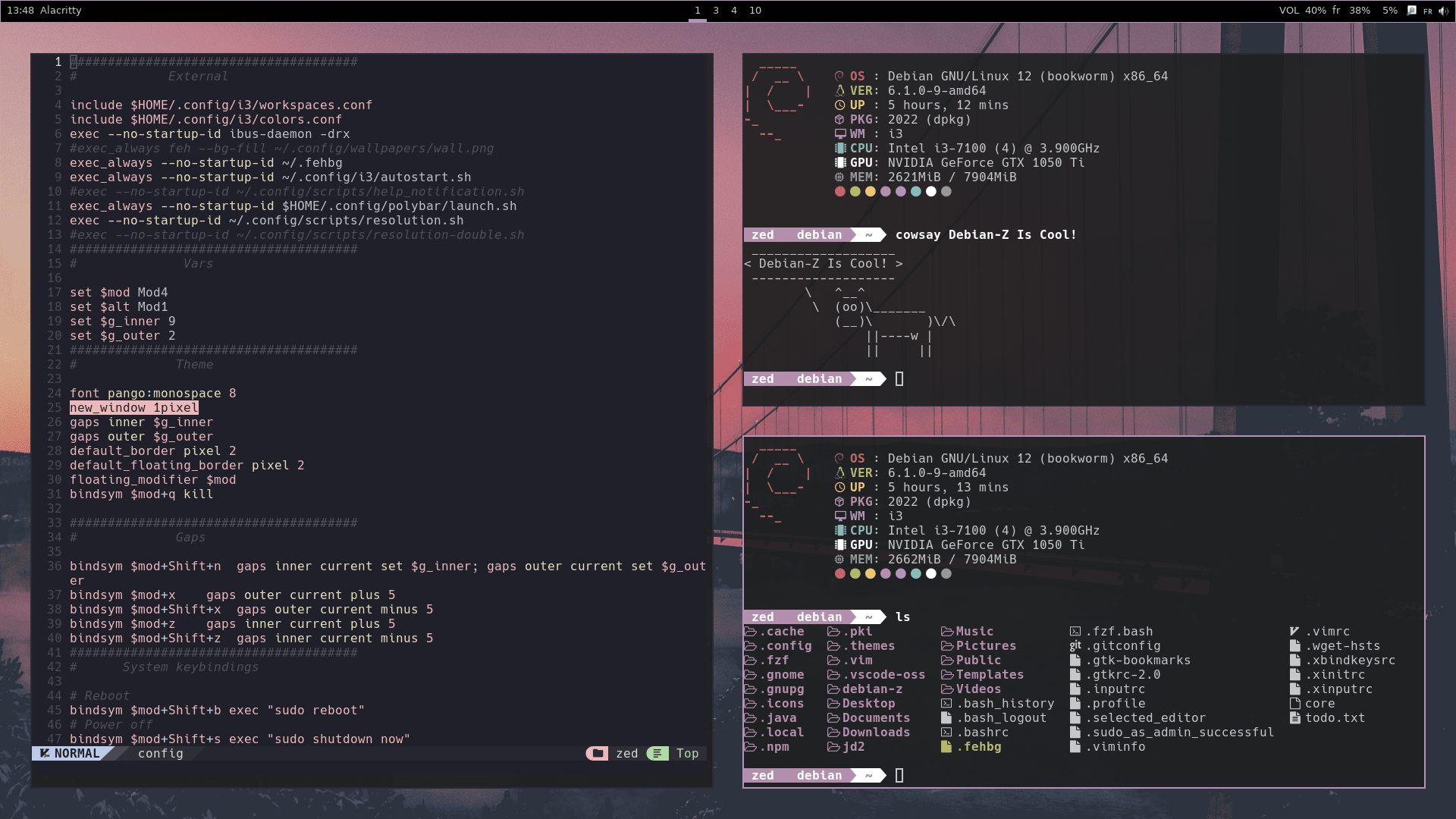 |
---
## Pre-Installation
To use this script and set up your Debian system with my i3 config and Ly, follow these steps:
1. Install a fresh minimal Debian system. You can download the minimal installation ISO from the official Debian website.
2. Follow my installation guide here [How To Install Debian-Z](https://github.com/zedsalim/debian-z-tutor) .
3. Once the base system is installed:
### Install git and vim
```bash
sudo apt install -y git vim
```
### Clone this repo
```bash
git clone https://github.com/zedsalim/debian-z
cd debian-z
ls
.git config optional 1-software.sh 3-fonts.sh README.md
[ign] fonts theme 2-setup.sh 4-rice.sh run_me.sh
```
### Categorization of the directories and the scripts
1. Scripts:
1-software.sh: A script responsible for install all the softwares and the packages needed for a minimal Debian system, **(you must see what inside it and you can custumize it as you need)**.
2-setup.sh: A script that handles the initial setup of the i3wm environment and Ly Console Display Manager.
3-fonts.sh: A script for font configuration and installation.
4-rice.sh: A script that performs further customization or "ricing" of Debian-Z i3wm environment.
run_me.sh: A script meant to be executed to apply the configurations and setups provided by other scripts **(this is the only script you need to run)**
2. Directories **(Do not modify)**:
config: The configuration file for the Debian-Z setup.
fonts: A directory containing font files used in the Debian-Z configuration.
theme: A directory with theme-related files.
optional: A folder containing optional configuration files and scripts that are not necessary for the basic setup (check them out).
3. Other Files **(Delete them if you want)**:
README.md: A Markdown file serving as the main documentation or guide for this project.
[ign]: A folder that contains Essential Files for the README.md.
**_Please note that the directories are marked as "Do not modify" to indicate that they contain important files and resources that should not be altered unless you have specific knowledge or intention to modify them._**
## Installation
**To install this setup, simply run ./run_me.sh, enter your password, and wait for the installation to complete.**
```bash
./run_me.sh
```
## Post-Installation
> Press Super + Shift + h to view the Guide and read it all.
> NOTE: The 'Super' Key is the 'Windows' Key
## Usage
> The Super key is the Windows key